
 Written by
 You’re writing about the summer your family drove to the coast every August. You remember the car, the radio and the smell of sunscreen. Still, there’s a gap only your mother can fill. This is where you invite parents to write with you. It is not a separate project, just one more voice in the story you’re already telling.
You don’t have to leave that gap blank. You also don’t have to interview her separately and paste her answer in later. Tale of Life has a feature for exactly this moment. It’s easy to miss, because it only shows up once you start typing.
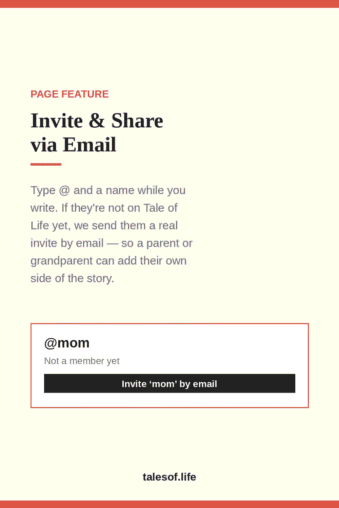
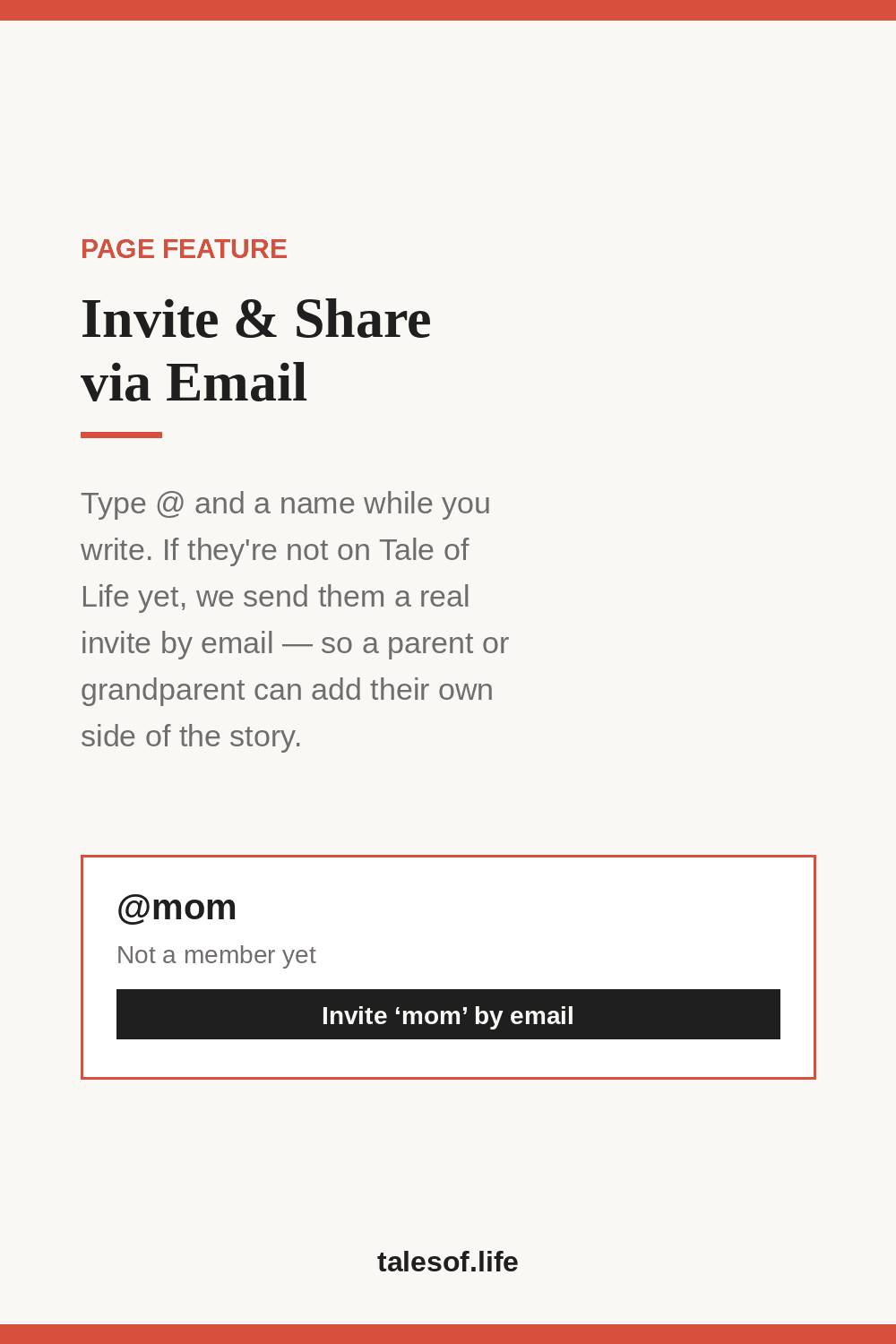
Type @ to invite parents to write with you
Anywhere you write on Tale of Life, type @ followed by a name. This works in a profile field or in a Shared Story. A small dropdown opens. If that person is already a member, you’ll see their profile and can tag them. If not, a different option appears: “Invite ‘<name>’ by email.”
Choose it, and Tale of Life sends a real invitation email for you. Your mother doesn’t need to figure out the site on her own. Instead, the email already tells her why you’re reaching out.
This is what Invite & Share via Email really is. It is not a separate form or a link hidden on a settings page. It is built into the writing itself. So when you need someone else’s memory, you can pull them in without losing your train of thought.
Where to use it
The most natural place is Shared Stories, where you co-write a memory with someone who was there. When you start a new shared story, you first see a “Who with?” field:
Type @ and the username for each person if this is a shared memory. Leave it empty to write it just for yourself.
Type @mom. If she isn’t on Tale of Life yet, you can invite her right there, before you write a single word. She gets an email and can join if she wants. Then she can add her own version, correct a detail only she would know, or simply read what you wrote.
The same @ shortcut also works inside the story text. The writing box even shows a quiet tip: “Tip: type @ to link a member’s profile, or invite someone new by email.” Say you’re three paragraphs in and want your grandfather’s side. Just type @grandpa right where you are.
Why this matters more than it sounds like it should
The stories worth keeping are rarely the ones you can write alone. You remember your parents’ first apartment one way, and they remember it another. Both versions matter. Family history stops being flat once more than one person adds to it. Oral history projects like StoryCorps have shown this for two decades: the richest stories usually come out in conversation.
Most tools ask you to do the inviting first. You create a shared folder, send a formal invite and hope the other person knows what to do. Tale of Life flips that. You write first. When someone else’s memory belongs in the story, you invite them right then, in one step.
Is there a parent, grandparent, sibling or old friend whose memory you want to add? Then this is the easiest way to invite parents to write with you. Start writing, type @, and let Tale of Life do the rest.
Ready to try it? Create a free account, start a Shared Story, and type @ the next time you need someone else’s side of a memory.