
 Written by
 Want to write your mother’s story, or your father’s? Most people who want to save a parent’s story never get past thinking about it. A formal interview feels stiff. A blank page titled “Mom’s Life Story” feels even worse. So we built Tale of Life’s question generator for exactly this job. It helps you write someone else’s story one real question at a time, even when they are not in the room.
How to write your mother’s story: start with who
Open the life story question generator. First, it asks whose story you are gathering. Choose Mother, Father, Grandmother, Grandfather, Aunt or Uncle, Sibling or Partner. Then pick one chapter of their life, such as Early Age, Family or Work Life. That is the whole setup, and you don’t need an account to try it.
Answer one question at a time
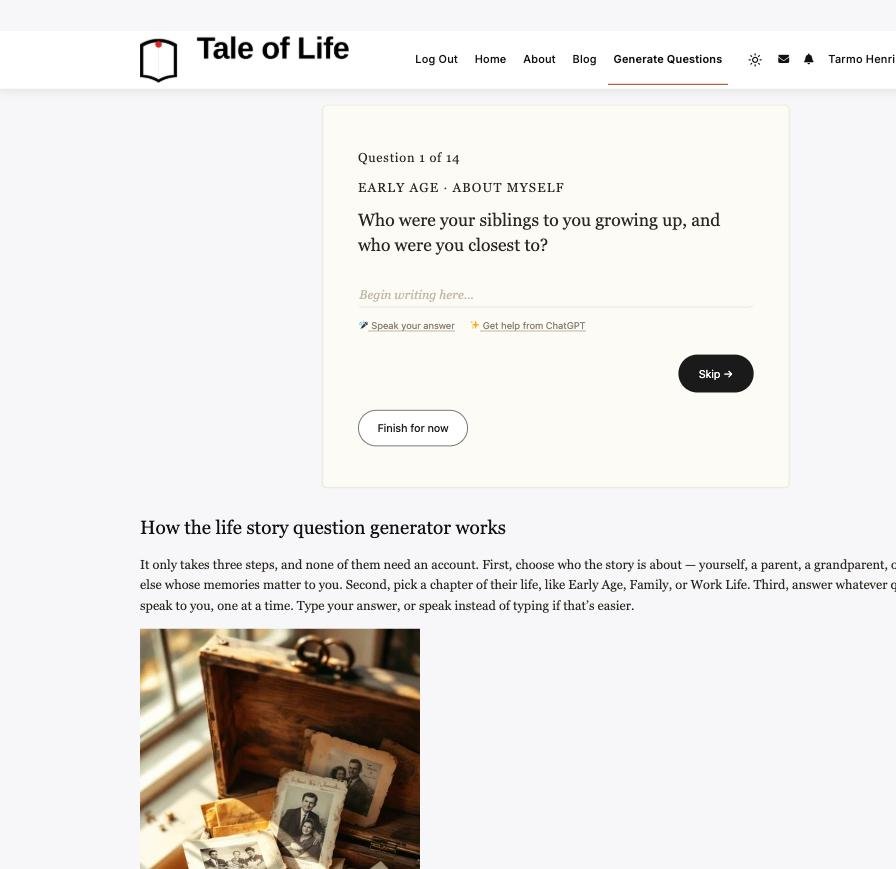
Next, you get one real, specific question. It won’t say “tell me about your childhood”. Instead, it asks something like “what did your father do for work, and what did you understand about it as a kid?” You can type your answer. Or tap “Speak your answer” and say it out loud. Your browser’s own speech-to-text does the work for free, and it sends nothing to our server. Stuck? “Get help from ChatGPT” opens the question in ChatGPT, so you edit a rough draft instead of facing a blank page. Answer it, skip it or come back later.
Sign in and it writes itself into the right place
Every question already belongs to a profile section. So when you answer and sign in, the answer goes straight into that person’s chapter. You don’t need to file or organize anything. An account takes about 30 seconds, and the first real piece of a chapter takes about five minutes. After that, there is no deadline. Come back next week or next month and get a fresh batch. The generator never repeats a question you already answered for that person, so every session moves you forward.
Let them add their own version
Once a chapter has something in it, you don’t have to write it alone. With Shared Stories, you can tag the person, or anyone else who was there. Then they can add their own version, a correction or a photo next to yours. In the end, your mother’s memory of a day and your own memory of it can live on the same page.
What you can do with the finished story
A finished section doesn’t stay stuck on a screen. Every profile has a free “Listen to this story” button next to Save as PDF, so anyone can hear the chapters read aloud. Save as PDF turns the story into a printable keepsake. Every profile also gets its own QR code. You can print it on a card in a memory book, or even on a memorial bench, and anyone who scans it opens the story. Finally, Invite & Share via Email lets you bring the person, or other family, into the profile.
Your mother’s story stays private
The story never becomes public by default. Each chapter has its own visibility setting: public, friends only or just you. That way, you can write the honest version of a hard chapter and still decide who sees it. Nothing is required, and you can edit or delete anything at any time. There is no feed and no algorithm. There is just the story, and it grows at its own pace.
Is there a parent or grandparent whose story you keep meaning to save? Then this is the easiest place to start. In fact, projects like StoryCorps show how much these everyday stories matter to families. All you need is one question and five minutes.
#tearsofhappiness